



Beezyspin app: mobile casino gaming
Beezyspin App is here to offer our registered users an incredible option for mobility and the comfort of playing on the go. Fitting any screen size and working impeccably with many modern devices, our PWA is here to bring your gameplay to another level. You can enjoy our gamification, bonuses and free spins, along with many chances to join the best events organized by the casino and our game providers.



Beezyspin app features
Our modern PWA, the Beezyspin app, has all the functionality that you would need for your mobile device to bring you the perfect gaming experience. We have distinct advantages compared to the full version that you regularly use on desktop. Let us take a look at all the most prominent characteristics that stand out when you’re playing on mobile:
- Portability: You can have access everywhere where there is a stable internet connection. But a static setup is needed if you play on a desktop.
- Optimization for your performance: We use data caching at Beezyspin Casino, so pages speed up loading faster.
- Total synchronization: Regardless of what device you use, everything stays completely synchronized together with gaming, live sessions and access to the KYC verification process.
- Display constraints: Desktop monitors offer great visual quality, and you can enjoy immersive, realistic play. But if you are using the mobile, you can have a more compact experience on a very small screen.
- Battery usage: You can run the most intensive games with heavy graphics and 3D slots on your mobile. And the battery will stay great. Much the same as if you are plugged into your computer.
Beezyspin app for Android OS
If you have an Android device, you can make sure you receive the full catalog of our games, which now includes up to 6,000 titles and is updated daily in the Beezyspin app. Also, the performance will be stable across any smartphone brand that you can possibly own.
Some of the most important things to mention are that you will have built-in tools lowering the video quality when we try to prevent freezing of those games. We integrate all the touch controls very deeply so your reel should be spinning well without any bugs.
Beezy Spin Casino removed the unnecessary browser bars because we hope to keep screen conditions active, and you can always enable push notifications so we can send you instant updates on new tournaments and missions.
Install on Android
Let us walk you through the steps on how to install the Beezyspin app onto your device:
- You need to open your browser. Generally, Android devices have Google Chrome, but if you have a different browser, go ahead and use it.
- Open the Beezyspin Casino website.
- Scroll down the page until the button labeled “Casino App” appears.
- Keep proceeding to the installation after clicking the button.
- Launch it. You will see the shortcut icon appearing on your wallpaper, ready for direct use.
As you can see, nothing extra, and you can always install it without any trouble. Still, in case something happens, you can always address our support team using the live chat button, and we will help you with everything.
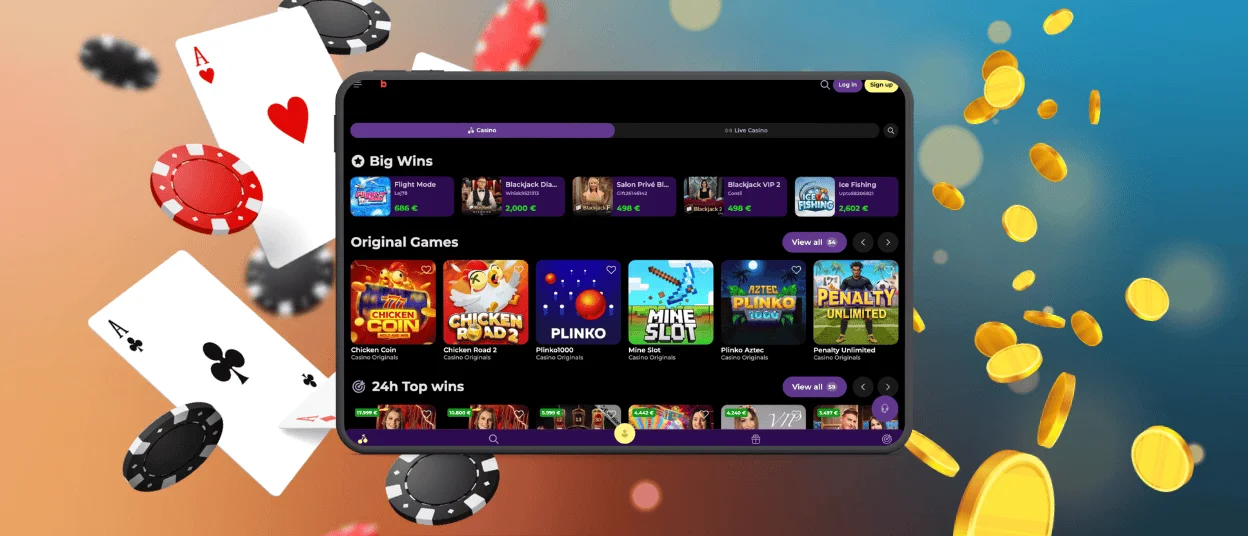
Beezyspin App for iOS
For iOS users, the installation process for Beezyspin Casino closely mirrors the steps for Android users. You just need to add the shortcut icon of our app to your home screen, and straight—without downloading anything extra—proceed to playing your online slots!
Our Beezyspin app has everything you need for a perfect game session:
- Total integration;
- Synchronization with the desktop play;
- Secure access to your account with 2FA available;
- Full compliance with Apple regulations of safety and security.
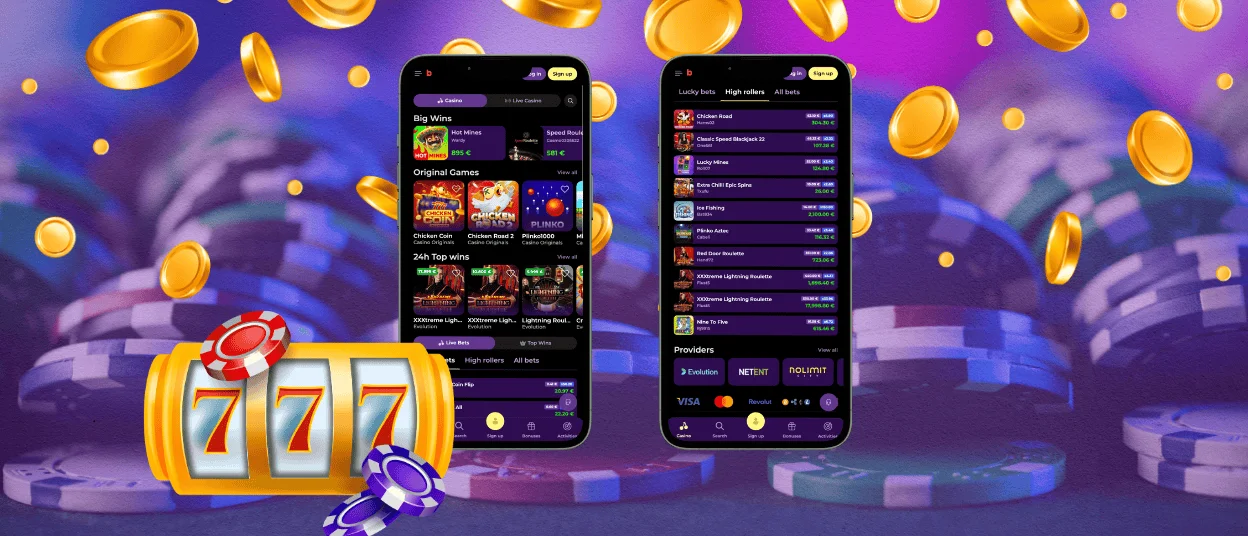
Beezy Spin Casino—desktop version
We have many fans of fully immersive live sessions who want a complete profile overview, with all the gamification and multitasking available to them across multiple tabs. Then, the desktop version of the Beezyspin app will be the best choice.
It has multi-window play, and you can check different live tables with dealers all at the same time. You can get comprehensive analytics, and your connection will definitely be more stable because it is fixed at home.
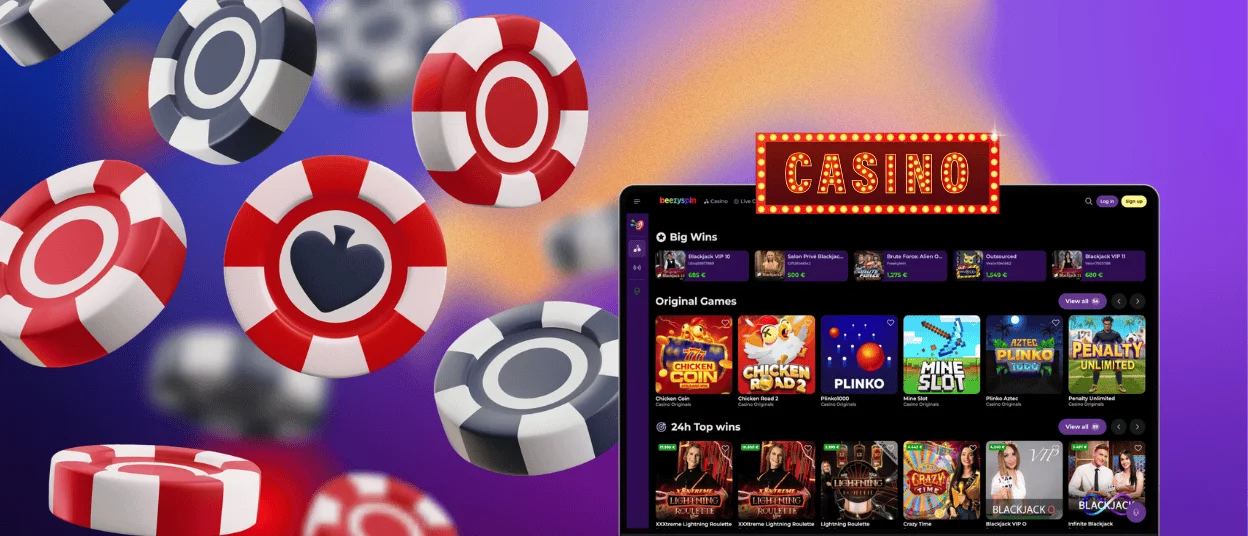
Device compatibility
Our mobile casino is very versatile, and for the Beezy Spin app, we have got multiple devices with minimum requirements. But there are characteristics you need to pay attention to:
| OS | Minimum Requirements | Browsers |
| Android | OS 8.0 or higher, 2 GB RAM | Google Chrome, Opera and others |
| Desktop | iOS 14.0 or higher, 2 GB RAM | Google Chrome, Mozilla Firefox, Microsoft Edge and others |
| iOS | from Windows 10 / from macOS 11, 4 GB RAM | Safari, Google Chrome, Brave |
FAQ
Is the app optimized for tablets and larger screens?
We have created the Beezyspin app to be totally responsive for any type of screen. When you launch our application, the interface will automatically shrink or expand depending on the device that you are using, but you will have no distortion of the game graphics or quality whatsoever.
What is the Beezyspin PWA app?
A progressive web application is a modern mobile version of a casino that will behave like a native app without any extra installations. You can get it directly from your browser by just opening the page of our Beezy Spin Casino.
Are all games available in the PWA version?
Absolutely everything is available. Our game providers have built their titles with HTML5 technology. So, it means that all slots and table games, together with sessions with croupiers, will run perfectly inside our application, including tournaments.


